Real-Time Analytics: When You Need It and When You Don’t
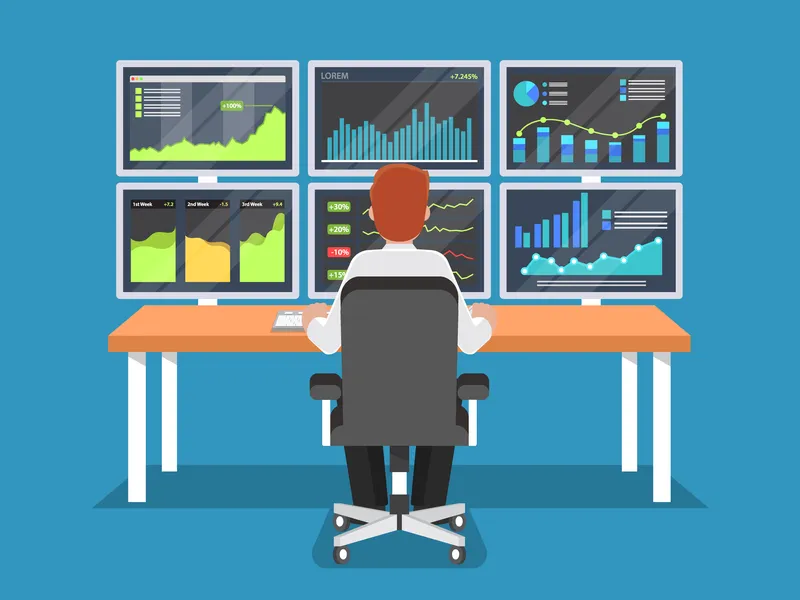
Every analytics platform markets real-time analytics as a must-have feature. And in certain situations, it genuinely is. But for most websites, most of the time, real-time data creates more anxiety than insight.
I’ve worked with teams that obsessively watched real-time dashboards and teams that ignored them completely. Here’s what I’ve learned about when real-time matters, when it doesn’t, and how to use it without losing your mind.
When Real-Time Analytics Actually Matters
There are specific situations where real-time data is genuinely valuable — and they’re more limited than vendors suggest:
1. Product and Campaign Launches
When you launch something new, real-time data tells you immediately if things are working. Is the landing page loading? Are people finding the CTA? Is the tracking firing correctly?
The first 2-4 hours after a launch are when real-time monitoring earns its keep. After that, switch back to aggregated views.
2. Incident Detection
A sudden drop in real-time visitors can signal a site outage, a broken deployment, or a DNS issue. This is the legitimate “canary in the coal mine” use case — your analytics dashboard can detect problems before your monitoring tools do, simply because visitors stop showing up.
3. Live Events and Flash Sales
During time-limited events — webinars, flash sales, live streams — real-time data helps you adjust in the moment. If attendance is low, you can push more promotion. If a checkout flow is bottlenecking, you can escalate immediately.
4. Tracking Verification
After implementing new event tracking or making changes to your analytics setup, real-time views confirm that data is flowing correctly before you wait 24 hours for processed reports.
When Real-Time Data Hurts More Than It Helps
Here’s the uncomfortable truth: for daily operations, real-time analytics is usually counterproductive.
| Situation | Why Real-Time Hurts | Better Alternative |
|---|---|---|
| Content performance evaluation | Content needs days/weeks to show true performance | Weekly content reports |
| SEO monitoring | Organic traffic fluctuates hourly without meaning | 7-day rolling averages |
| Conversion rate optimization | Real-time conversion data has no statistical significance | Weekly cohort analysis |
| Executive reporting | Creates false urgency from normal fluctuations | Monthly trend dashboards |
| Campaign performance | Early results are misleading (sample bias) | Wait for 100+ conversions minimum |
Real-time data is seductive because it feels like control. But watching numbers change every second doesn’t give you better insight — it gives you better anxiety. Most analytics decisions need more data over more time, not fresher data in smaller slices.
The Right Cadence for Different Metrics
Instead of defaulting to real-time for everything, match your monitoring frequency to the decision speed each metric requires:
| Metric Category | Check Frequency | Why |
|---|---|---|
| Site uptime / critical errors | Real-time (automated alerts) | Immediate action needed |
| Campaign launches (first day) | Hourly | Verify tracking, catch issues |
| Traffic trends | Daily (end of day) | Need 24hr cycle to be meaningful |
| Conversion rates | Weekly | Need statistical significance |
| Content performance | Weekly / bi-weekly | SEO impact takes time |
| Funnel metrics | Weekly | Patterns emerge over time |
| Channel attribution | Monthly | Multi-touch attribution needs volume |
| Overall strategy metrics | Monthly / quarterly | Strategic trends, not daily noise |
Setting Up Smart Real-Time Monitoring
If you want the benefits of real-time monitoring without the compulsive dashboard-checking, here’s the approach I recommend:
Use Alerts, Not Dashboards
Configure your analytics tool to alert you when specific thresholds are crossed:
- Traffic drops below 50% of expected — Possible outage or tracking issue
- Error rate exceeds 5% — Something’s broken
- Conversion rate drops below floor — Checkout or form problem
- New referral source appears with 100+ visits — Could be AI referral traffic or viral content
Alerts give you real-time awareness without real-time distraction. You only look at the data when something actually needs attention.
Scheduled Check-Ins Over Continuous Monitoring
Replace real-time dashboard watching with scheduled check-ins:
- Morning check (5 min): Overnight anomalies? Any alerts fired? Quick glance at yesterday’s summary.
- Midday check (2 min): Only if you launched something or have an active campaign.
- Weekly review (30 min): Deep analysis of trends, funnel performance, and content metrics.
This schedule gives you better insight in 40 minutes per week than continuous monitoring gives you in hours per day.
Real-Time Analytics Tools Comparison
How do different analytics platforms handle real-time data?
| Feature | Privacy-First Tools | Enterprise Platforms |
|---|---|---|
| Real-time visitors | Yes (most) | Yes |
| Real-time events | Limited | Full |
| Custom alerts | Basic (some) | Advanced |
| Real-time segments | No | Yes |
| Data delay | Instant to 5 min | Instant to 30 min |
| Server load impact | Minimal | Significant |
For most use cases, the real-time features in privacy-first analytics alternatives are more than sufficient. You don’t need enterprise-grade real-time streaming to know if your site is up and your campaigns are tracking.
The Bottom Line
Real-time analytics is a tool, not a habit. Use it for launches, incidents, and verification. For everything else, aggregated data over meaningful time periods gives you better insight with less noise.
If you catch yourself checking real-time dashboards more than twice a day without a specific reason, that’s a signal to redesign your monitoring approach. Build dashboards designed for decisions, set up alerts for anomalies, and spend your analytics time on weekly analysis — not daily surveillance.
The best analytics practice for 2026: look at your data less often, but more carefully.